The Nistor mark
Six cells: the upper half of a lineage matrix. How to use the mark, the lockups and the logo animation; the colours, type and shapes of the product; and every file to download.
The mark
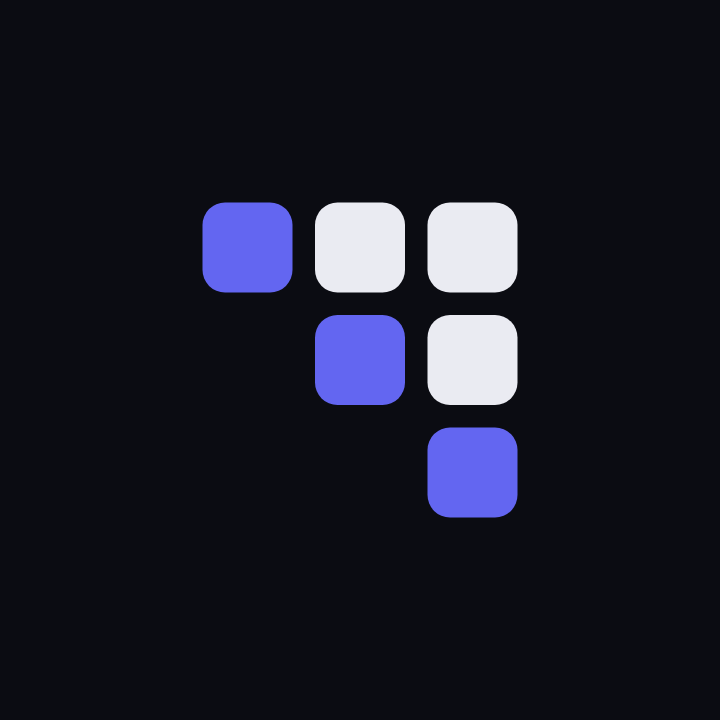
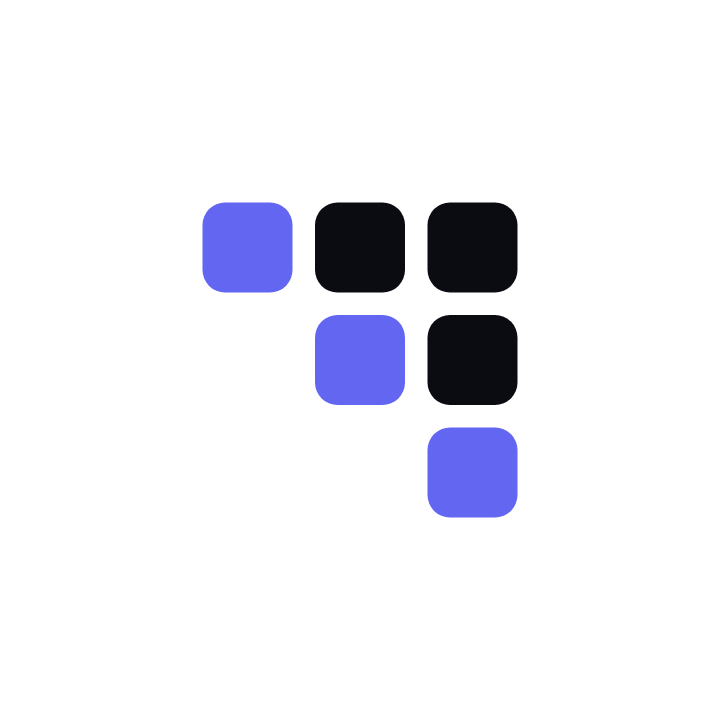
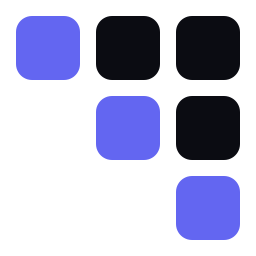
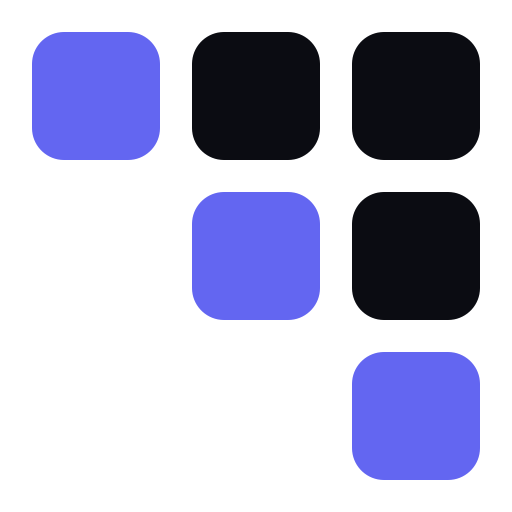
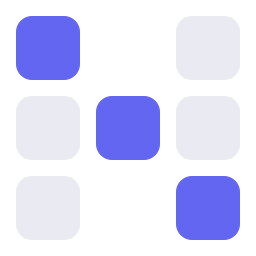
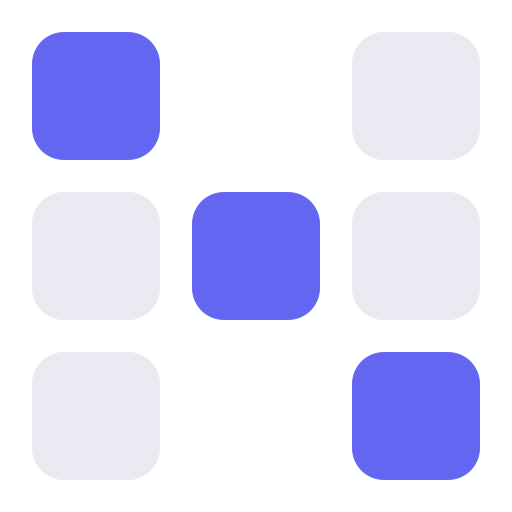
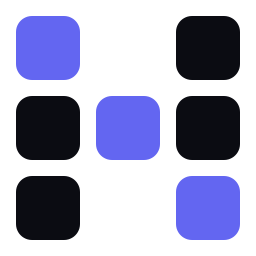
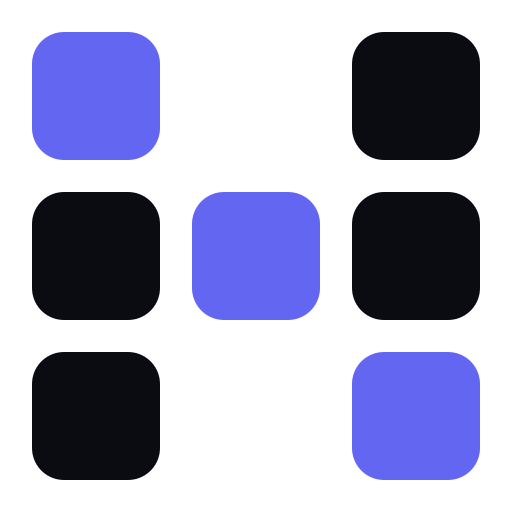
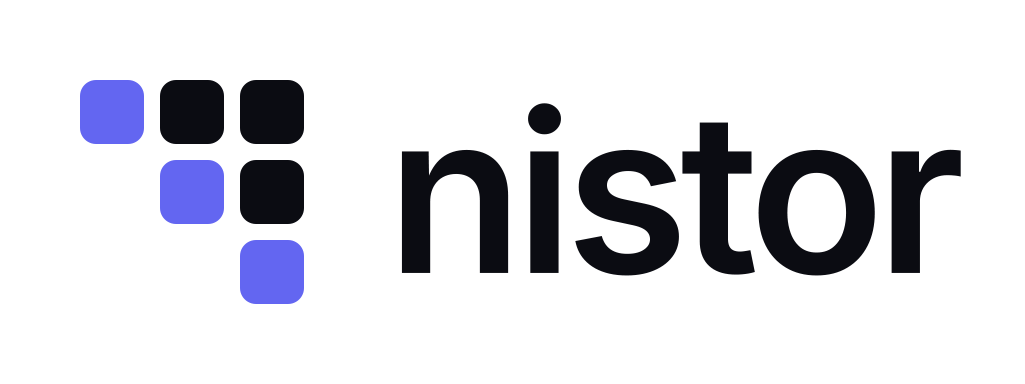
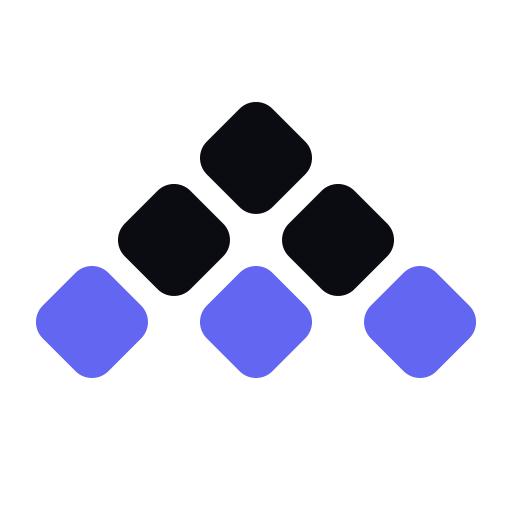
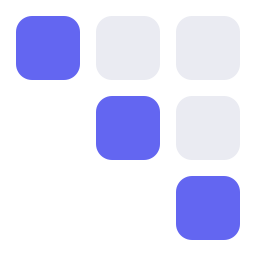
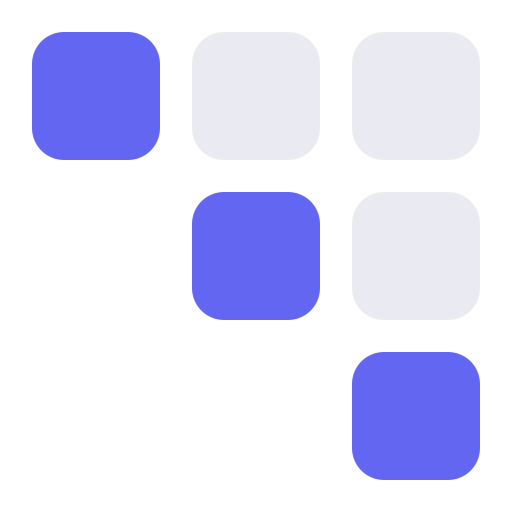
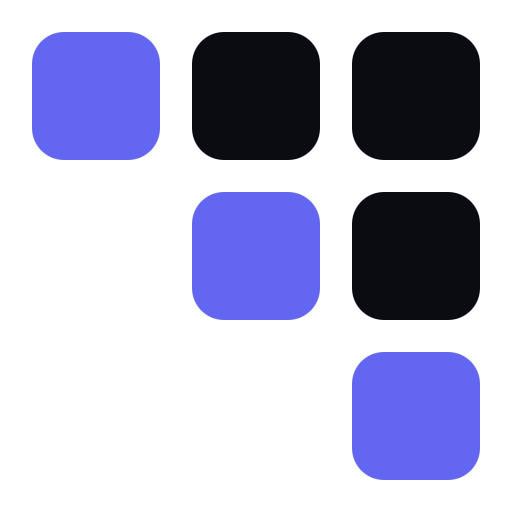
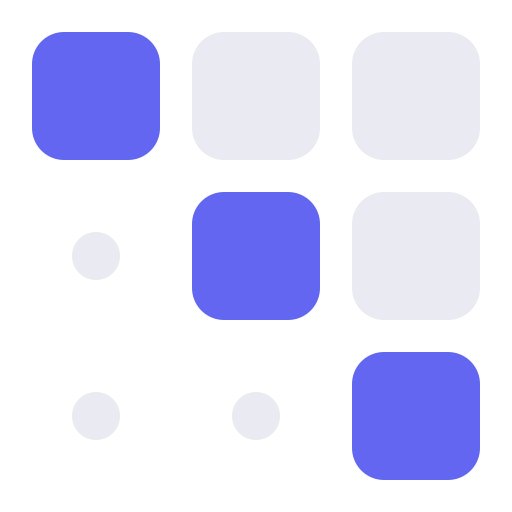
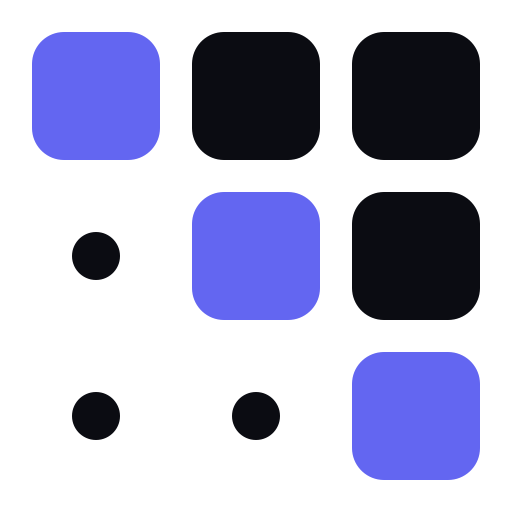
The mark is the lineage matrix of three assets, ordered from upstream to downstream. Read it like a table: row and column one are the first asset, row and column three the last.
- The diagonal is the assets: three cells, always the accent.
- Above the diagonal are the edges: the cell in row r, column c is the lineage edge from asset r to asset c, always the ink.
- Below the diagonal is nothing: data never flows back upstream. The empty half is part of the mark.
On a 64-unit grid: cells of 16 with gaps of 4 and a corner radius of 4. It is pixel-exact at every multiple of 16 px, and hinted at every size from 12 to 64 px, with every edge on a whole pixel.
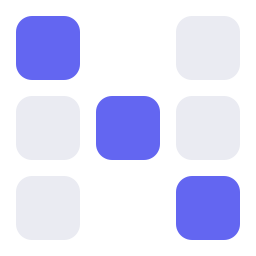
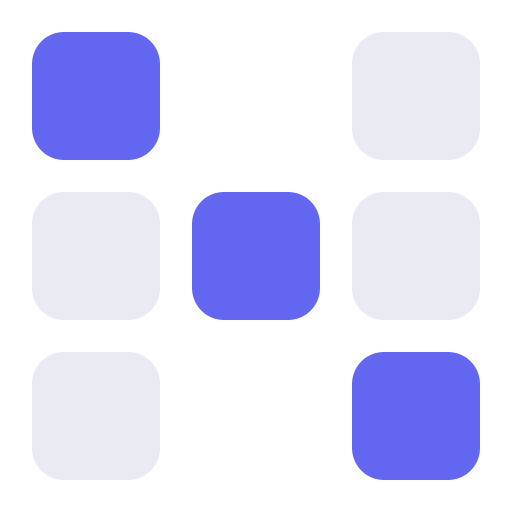
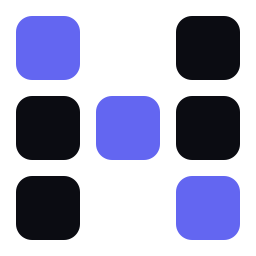
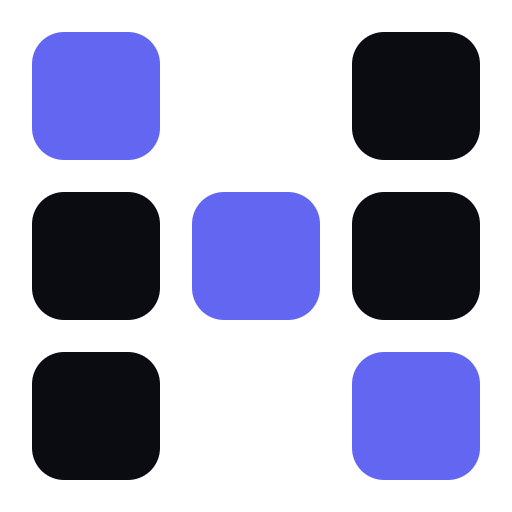
Matrix N, the same grid with the outer columns in ink and the lit diagonal between them, reads as an N. It is a state of the logo animation and an optional monogram; it never replaces the mark in the product, favicons or app icons.
Lockups
The wordmark is nistor, lowercase, in Inter SemiBold with −3.5 % tracking, always in the ink colour of the ground, never the accent. In prose and titles the name is written Nistor.
- Horizontal (the default): the mark is 1.15 × the font size, the gap 0.32 × the mark, the mark centred on the middle of the capitals.
- Stacked: the mark above the word, centred; the mark is twice the cap height, the gap half the cap height.
- Each comes in four colourways: two colours on dark, two colours on light, one colour, and white.




Colours
The mark's own colours. The interface's are under UI colours, its status colours under Status colours.
- Accent
#6366f1
The three diagonal cells, on every ground: the brand accent. The interface's accent is#4F46E5(see UI colours). - Ink on dark
#EAEBF2
The edge cells and the wordmark on#0B0C12and other dark grounds. - Ink on light
#0B0C12
The edge cells and the wordmark on white and#F4F5F9. - Ground
#0B0C12
Dark backgrounds and the dark app-icon tile. - Icon tile
#6366f1
The coloured app-icon tile; the mark on it is all white.
The accent reaches 4.47:1 on white and 4.37:1 on the dark ground, above the 3:1 that graphics need, and under the 4.5:1 that text needs: it is never the colour of UI text.
Clear space and size
Keep clear space of one cell, a quarter of the mark's height, on every side of the mark and of every lockup. Nothing else goes inside it.
The smallest sizes: 16 px for the mark, 80 px wide for the horizontal lockup.
The 16 px exception
The mark's minimum size is 16 px. The 16 px favicon is the one file that goes under it: its 16 px image is a dark tile, and a 16 px mark would leave the tile no margin, so it carries the mark's hinted 14 px layout (cells 4 px at 0, 5 and 10, corners 1 px) at offset 1, every cell edge on a whole pixel and 1 px of tile around it. No other file draws the mark under 16 px.
Don'ts
One-colour use keeps all six cells: the meaning then rests on their position alone. Never:
- Rotate it.
- Recolour or reorder the diagonal.
- Fill the lower half.
- Outline the cells.
- Add gradients, shadows or effects.
- Squash or stretch it.
- Put the accent cells on an accent ground.
- Change the corner radius.
The logo animation
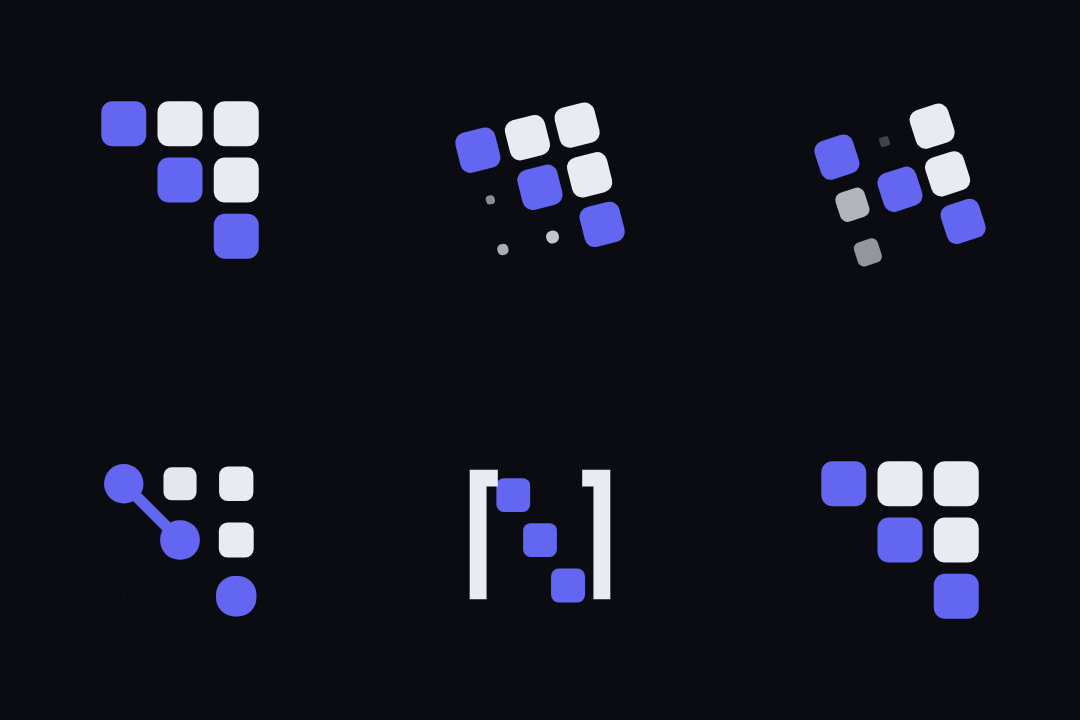
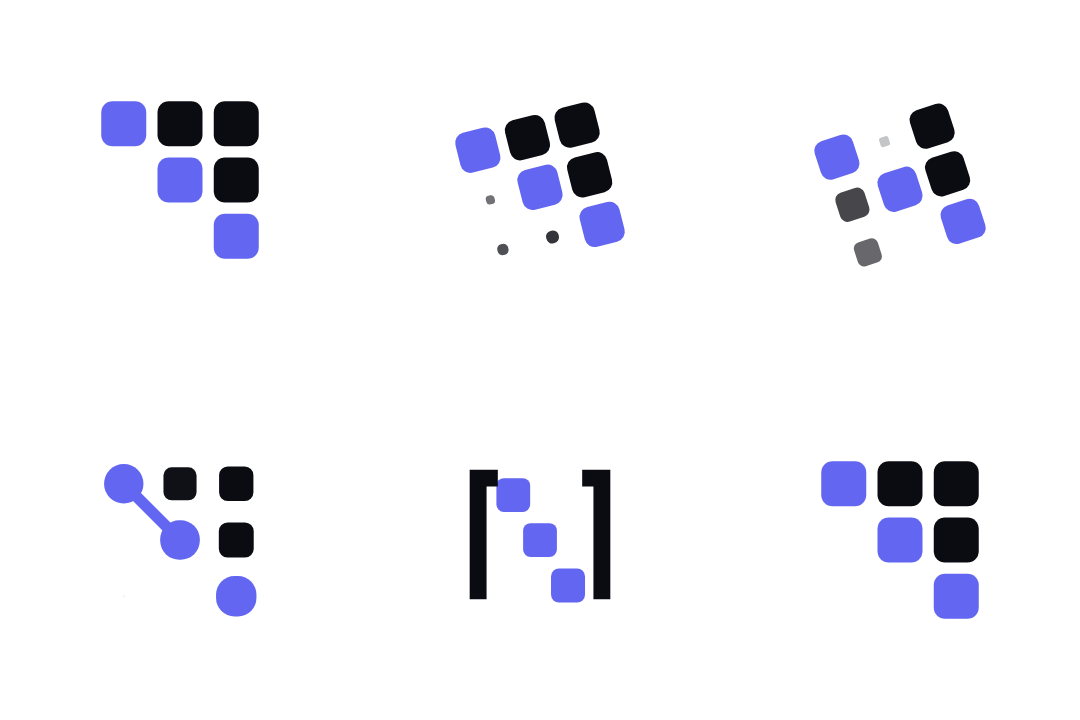
The loader morphs the same matrix through five related drawings and always lands back on the mark. A cell's colour never changes, only its place and shape. One loop lasts 7.1 seconds; every move takes 560 ms and starts upstream.
Below 28 px, and whenever the visitor asks for reduced motion, the loop becomes a pulse: the mark stands still and the diagonal dims in turn.
- Six Cells: the mark (900 ms)
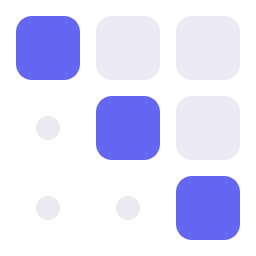
- Zeros Below: the full matrix; the empty half as three dots (520 ms)
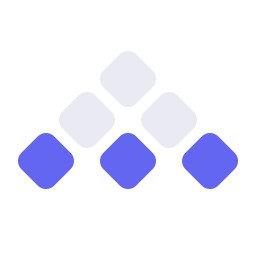
- Flat Diagonal: the triangle turned, the assets along the base (520 ms)
- Matrix N: the outer columns in ink, the lit diagonal between them (620 ms)
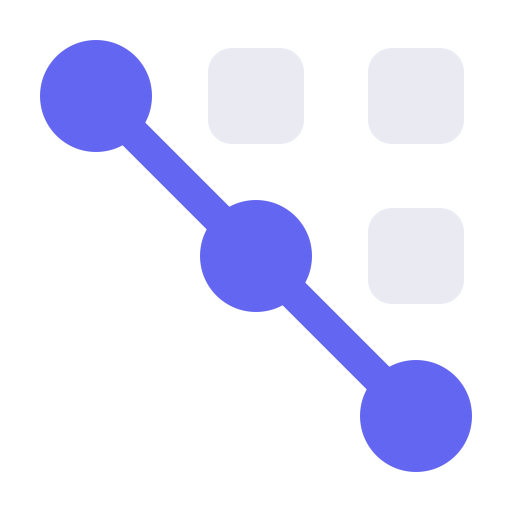
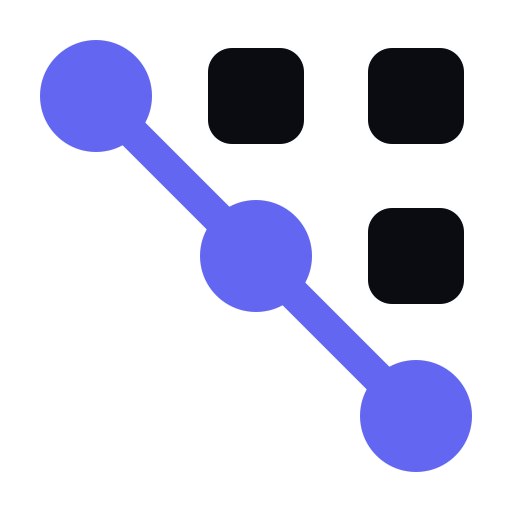
- Node Path: the assets as discs on one line (560 ms)
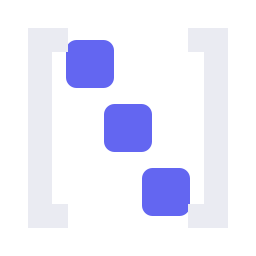
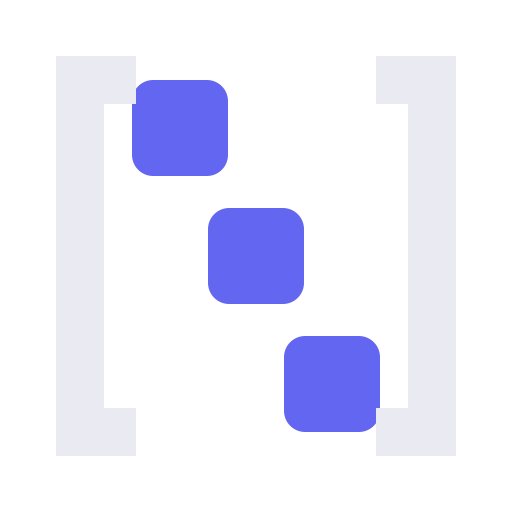
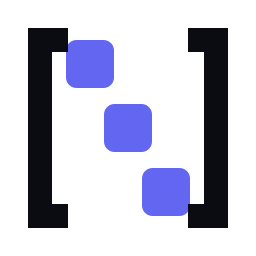
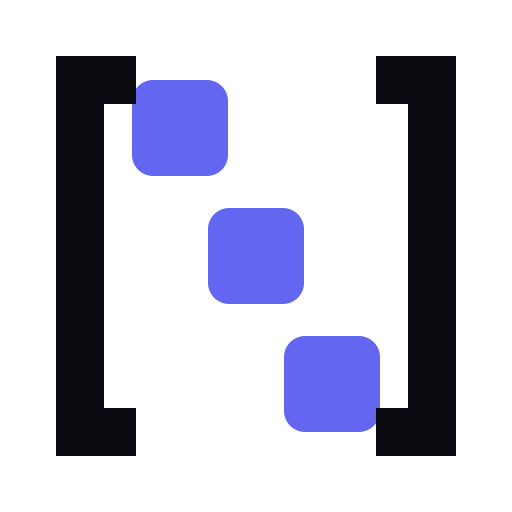
- Bracket N: the diagonal between square brackets (620 ms)
On a page load the mark assembles once (the intro, 900 ms). A loader appears only after 400 ms of loading, stays at least 600 ms, and ends on the mark. The custom element is one dependency-free script: nistor-loader.js.
The same animations, as GIF and as WebM video, are in the downloads below. Under reduced motion this page shows the still mark in place of each GIF.
UI colours
The interface takes its colours from Nistor's design tokens, not from the mark. The tables below are drawn from the same token files the product ships, so they always show what it uses.
Two accents, two jobs
#6366F1(indigo 500), the brand accent: the mark's diagonal, illustrations, and display type of 24 px and more. It reads 4.47:1 on white, under the 4.5:1 body text needs, so it never colours UI text or controls.#4F46E5(indigo 600), the UI accent (--primary): the primary action, links, the current nav item, selection and focus. In the dark theme the fill is#818CF8with ink text on it, and accent text is#A5B4FC.
Indigo marks only what the user can act on, or where they are; everything else is neutral. The neutrals carry the mark's own ink, #0B0C12, and ground, #F4F5F9.
Tonal ramps
| Step | Indigo | Neutral |
|---|---|---|
| 0 | #FFFFFF | |
| 25 | #F9FAFC | |
| 50 | #EEF2FF | #F4F5F9 |
| 100 | #E0E7FF | #EEF0F6 |
| 150 | #E5E7EF | |
| 200 | #C7D2FE | #DCDFE6 |
| 300 | #A5B4FC | #B9BDC8 |
| 400 | #818CF8 | #8D92A0 |
| 500 | #6366F1 | #7A7F8C |
| 600 | #4F46E5 | #5F6473 |
| 700 | #4338CA | #4A4F5E |
| 800 | #3730A3 | #2A2E3A |
| 850 | #1B1E28 | |
| 900 | #312E81 | #14161E |
| 950 | #1E1B4B | #0B0C12 |
Roles
Each role's light and dark value. Code names the role (var(--primary)), never a ramp step or a literal. The status roles are under Status colours.
| Role | Light | Dark | Use |
|---|---|---|---|
--page | #F4F5F9 | #0B0C12 | the page ground behind the content |
--surface | #FFFFFF | #14161E | content: tables, panels, cards, dialogs |
--surface-dim | #F9FAFC | #14161E | a quieter area inside content (a table header, a code block) |
--surface-container | #EEF0F6 | #1B1E28 | a filled control or a selected row on a surface |
--ink | #0B0C12 | #EAEBF2 | body text and titles |
--ink-variant | #4A4F5E | #A9AEBD | secondary text: labels, helper text, metadata |
--ink-muted | #5F6473 | #8D92A0 | the quietest text: placeholders, disabled labels, timestamps |
--outline | #7A7F8C | #8D92A0 | the border of a control (field, checkbox, outlined button) |
--outline-variant | #DCDFE6 | #2A2E3A | hairlines: dividers, card and table borders |
--primary | #4F46E5 | #818CF8 | the filled primary action (one per view) |
--primary-hover | #4338CA | #A5B4FC | the primary action under the pointer |
--primary-pressed | #3730A3 | #C7D2FE | the primary action while pressed |
--on-primary | #FFFFFF | #0B0C12 | text and icons on the primary fill |
--primary-text | #4F46E5 | #A5B4FC | links, the current nav item, selected tabs |
--primary-container | #E0E7FF | #282B45 | the current nav item pill, selection, tonal buttons |
--on-primary-container | #312E81 | #E0E7FF | text and icons on the primary container |
--inverse-surface | #1B1E28 | #EEF0F6 | tooltips and the snackbar |
--inverse-ink | #EAEBF2 | #0B0C12 | text on the inverse surface |
--inverse-primary | #A5B4FC | #4F46E5 | the snackbar's action |
--scrim | rgba(11, 12, 18, 0.4) | rgba(0, 0, 0, 0.6) | behind a dialog |
--state-hover | rgba(11, 12, 18, 0.06) | rgba(234, 235, 242, 0.08) | the hover layer over any control or row |
--state-pressed | rgba(11, 12, 18, 0.1) | rgba(234, 235, 242, 0.12) | the pressed layer over any control or row |
--focus-ring | #4F46E5 | #818CF8 | the 2 px keyboard focus ring |
Contrast
Every text role on every surface, as WCAG 2 contrast ratios rounded down. The token build fails when a pair drops under its minimum.
| Text role | On page | On surface | On surface dim | On container |
|---|---|---|---|---|
--ink | 17.92:1 | 19.52:1 | 18.69:1 | 17.13:1 |
--ink-variant | 7.49:1 | 8.16:1 | 7.82:1 | 7.16:1 |
--ink-muted | 5.41:1 | 5.90:1 | 5.65:1 | 5.18:1 |
--primary-text | 5.77:1 | 6.28:1 | 6.02:1 | 5.51:1 |
--error | 5.32:1 | 5.79:1 | 5.55:1 | 5.08:1 |
--warning | 4.98:1 | 5.42:1 | 5.19:1 | 4.76:1 |
--success | 4.70:1 | 5.13:1 | 4.91:1 | 4.50:1 |
--info | 4.72:1 | 5.14:1 | 4.92:1 | 4.51:1 |
--neutral | 5.41:1 | 5.90:1 | 5.65:1 | 5.18:1 |
| Text role | On page | On surface | On surface dim | On container |
|---|---|---|---|---|
--ink | 16.42:1 | 15.18:1 | 15.18:1 | 13.98:1 |
--ink-variant | 8.81:1 | 8.14:1 | 8.14:1 | 7.50:1 |
--ink-muted | 6.27:1 | 5.80:1 | 5.80:1 | 5.34:1 |
--primary-text | 9.79:1 | 9.05:1 | 9.05:1 | 8.34:1 |
--error | 8.17:1 | 7.55:1 | 7.55:1 | 6.96:1 |
--warning | 11.97:1 | 11.07:1 | 11.07:1 | 10.20:1 |
--success | 9.96:1 | 9.21:1 | 9.21:1 | 8.48:1 |
--info | 9.26:1 | 8.56:1 | 8.56:1 | 7.88:1 |
--neutral | 6.27:1 | 5.80:1 | 5.80:1 | 5.34:1 |
| Text | On | Light | Dark |
|---|---|---|---|
--on-primary | --primary | 6.28:1 | 6.54:1 |
--on-primary | --primary-hover | 7.90:1 | 9.79:1 |
--on-primary | --primary-pressed | 9.93:1 | 13.08:1 |
--on-primary-container | --primary-container | 9.27:1 | 11.20:1 |
--on-error-container | --error-container | 4.92:1 | 6.66:1 |
--on-warning-container | --warning-container | 4.93:1 | 8.96:1 |
--on-success-container | --success-container | 5.68:1 | 7.30:1 |
--on-info-container | --info-container | 5.54:1 | 6.83:1 |
--on-neutral-container | --neutral-container | 7.16:1 | 7.50:1 |
--inverse-ink | --inverse-surface | 13.98:1 | 17.13:1 |
--inverse-primary | --inverse-surface | 8.34:1 | 5.51:1 |
| Role | On page | On surface | On surface dim | On container |
|---|---|---|---|---|
--outline | 3.67:1 / 6.27:1 | 4.00:1 / 5.80:1 | 3.83:1 / 5.80:1 | 3.51:1 / 5.34:1 |
--focus-ring | 5.77:1 / 6.54:1 | 6.28:1 / 6.05:1 | 6.02:1 / 6.05:1 | 5.51:1 / 5.57:1 |
Status colours
One set for every surface: the product and its plugins, Nistor Cloud, the status page and the extensions. Error, warning, success, info and neutral, each with a container and the text colour on that container.
- Status colour is for status only: an icon plus its text, a status badge, a banner, or a chart series that means a state. Never a card fill, a card border, a left rail or a section tint.
- Colour never carries a state alone: the icon and the word say it too.
- No other red, amber, green or blue: a surface that needs a status colour takes these roles.
| Status | Theme | Icon and text | Container | Text on container | Contrast on surface | Contrast on container |
|---|---|---|---|---|---|---|
| Error | light | #C5221F | #FCE8E6 | #C5221F | 5.79:1 | 4.92:1 |
| dark | #F28B82 | #3B1715 | #F28B82 | 7.55:1 | 6.66:1 | |
| Warning | light | #9A5B00 | #FEF3E0 | #9A5B00 | 5.42:1 | 4.93:1 |
| dark | #F2C46B | #33270E | #F2C46B | 11.07:1 | 8.96:1 | |
| Success | light | #1C7D4E | #E3F3EA | #146C2E | 5.13:1 | 5.68:1 |
| dark | #81C995 | #12301F | #81C995 | 9.21:1 | 7.30:1 | |
| Info | light | #1B6CCE | #E3EEFB | #185ABC | 5.14:1 | 5.54:1 |
| dark | #8AB4F8 | #102A4C | #8AB4F8 | 8.56:1 | 6.83:1 | |
| Neutral | light | #5F6473 | #EEF0F6 | #4A4F5E | 5.90:1 | 7.16:1 |
| dark | #8D92A0 | #1B1E28 | #A9AEBD | 5.80:1 | 7.50:1 |
Type
Inter for everything; JetBrains Mono only for identifiers and code (asset names, SQL, IDs, hashes), never for labels or numbers. Sentence case everywhere; uppercase only for rare overlines. The product reads at 14 px, with a 12 px floor and 13 px only inside dense tables. The display scale belongs to this website alone, for the hero and section titles. The wordmark is outlines, not type.
| Role | Size | Line | Weight | Font | Use |
|---|---|---|---|---|---|
--type-title | 22px | 28px | 500 | Inter | the page title (one per page) |
--type-section | 16px | 24px | 600 | Inter | a section or card title |
--type-label | 14px | 20px | 600 | Inter | labels, buttons, tab and nav items |
--type-body | 14px | 20px | 400 | Inter | body text, fields, menus |
--type-table | 13px | 18px | 400 | Inter | cells of dense tables (compact density only) |
--type-caption | 12px | 16px | 400 | Inter | captions, helper text, badges: the floor |
--type-mono | 12.5px | 18px | 400 | JetBrains Mono | identifiers and code, nothing else |
| Role | Size | Line | Weight | Font | Use |
|---|---|---|---|---|---|
--type-display-1 | 32px | 40px | 600 | Inter | website section titles |
--type-display-2 | 44px | 52px | 600 | Inter | website page titles below the hero |
--type-hero | clamp(2.25rem, 4vw + 1rem, 3.5rem) | 1.1 | 600 | Inter | the website hero (scales with the viewport) |
Shape and depth
- Radii 4, 8, 12 and pill, nothing else. Buttons are pills.
- Elevation 0 to 2. Cards and panels are flat and separated by 1 px hairlines; only what floats casts a shadow: menus and tooltips (1), dialogs and the snackbar (2). No card inside a card.
- No glow, gradient or blur on any brand element: the mark, the lockups, the tiles, the social cards and the store images sit on a flat ground.
| Radius | Value | Use | Sample |
|---|---|---|---|
--radius-4 | 4px | badges, chips, checkboxes, small controls | |
--radius-8 | 8px | fields, menus, tooltips, table containers | |
--radius-12 | 12px | cards, panels, dialogs | |
--radius-pill | 999px | buttons, the current nav item, filter chips |
| Elevation | Light | Dark | Use | Sample |
|---|---|---|---|---|
--elevation-0 | none | none | everything on the page: cards and panels are flat, separated by hairlines | |
--elevation-1 | 0 1px 2px rgba(11, 12, 18, 0.10), 0 4px 12px rgba(11, 12, 18, 0.10) | 0 1px 2px rgba(0, 0, 0, 0.40), 0 4px 12px rgba(0, 0, 0, 0.32) | menus, tooltips, popovers | |
--elevation-2 | 0 4px 8px rgba(11, 12, 18, 0.10), 0 12px 32px rgba(11, 12, 18, 0.18) | 0 4px 8px rgba(0, 0, 0, 0.40), 0 12px 32px rgba(0, 0, 0, 0.56) | dialogs and the snackbar |
Icons
- lucide only, one pinned version across the product, its plugins and the extensions. Codicons only inside VS Code, where they are the editor's own icons.
- Sizes 16, 20 and 24 px; stroke 1.75 at 16 px, 2 at 20 and 24 px. Icons take the text colour.
- No emoji anywhere in a UI, status included: a status is its icon in the status colour, plus its text.
- A button with only an icon has an accessible name, and a tooltip with the same words.
Illustration
Empty states carry a spot illustration drawn in the mark's own language:
- On the Six Cells grid: a 64-unit box, cells of 16 units with 4-unit gaps and 4-unit corners. A drawing may leave the 3 × 3 layout (more cells, a partial row), never the module.
- Two colours: the ink of the ground and the brand accent
#6366F1. No third colour and no status colour: the error illustration is not red. - Filled cells only: no outlines, no faces or characters, no gradients or shadows.
- 64 or 96 px, so every edge stays on a whole pixel, above the empty state's title.
- Six to start, one per kind of empty state: no data, no results, all clear, error, not connected, locked.
Screenshots
- Marketing pages and the docs show the real product: never a mock-up, a redrawn screen or a stock image.
- Capture them from the demo with the product's capture tool, in the light theme, at 1440 × 900 and 2× (a 2880 × 1800 PNG).
- Crop to the part that makes the point; never edit the pixels (no blur over data, no recoloured UI). Demo data only.
- When the screen changes, capture it again: a screenshot that no longer matches the product comes down.
Names
Every title, page, manifest, store listing and doc uses these names. Product names are capitalised; nistor.cloud is a domain, never a name; the lowercase nistor exists only as the wordmark.
| Thing | Name | Not |
|---|---|---|
| Product | Nistor | NISTOR, or lowercase in prose |
| Managed service Early access | Nistor Cloud | “nistor.cloud” used as a name |
| Paid edition | Nistor Enterprise | |
| Staff console | Nistor Cloud admin | “nistor.cloud admin” |
| Chrome extension | Nistor Inspector | “Nistor GCP Inspector”, “Nistor Assistant” |
| VS Code extension | Nistor (the Marketplace name may add a descriptor after a dash) | |
| AI entry point (the button) | Ask AI | |
| AI page | AI assistant | “Nistor Assistant” |
| Proposals feature | Advisor (a different feature from the assistant) |
Partners
- Use a partner's logo unaltered, from the vendor's own brand or press page, and note the source beside the file.
- Full colour on light grounds; on dark grounds, the vendor's own dark (reversed) variant. Where the vendor offers none, set the colour logo on a white chip with an 8 px radius.
- Never recolour a logo, with CSS filters (
invert,hue-rotate,brightness) or by hand; never redraw, stretch or crop it. - A product of a larger vendor appears with that product's own logo: Google Workspace's, not Google's “G”.
- “Works with Google Cloud” and every partner badge follow Google's partner guidelines. Partner logos are their owners' trademarks and appear only to say that Nistor works with the product.
Downloads
Every file is generated from the master mark in the Nistor repository (brand/); SVG wherever it is accepted, PNG at 1× and 2× otherwise.
Mark and tiles
- mark-on-dark.png2.3 KB
- mark-on-dark.svg634 B
- mark-on-dark@2x.png5.5 KB
- mark-on-light.png2.3 KB
- mark-on-light.svg634 B
- mark-on-light@2x.png5.5 KB
- mark-one-colour.png2.2 KB
- mark-one-colour.svg634 B
- mark-one-colour@2x.png5.3 KB
- mark-white.png2.1 KB
- mark-white.svg634 B
- mark-white@2x.png5.1 KB
- mark.svg474 B
- matrix-n-on-dark.png2.6 KB
- matrix-n-on-dark@2x.png6.0 KB
- matrix-n-on-light.png2.6 KB
- matrix-n-on-light@2x.png6.1 KB
- matrix-n.svg708 B
- tile-dark.png4.7 KB
- tile-dark.svg709 B
- tile-dark@2x.png10.6 KB
- tile-indigo.png3.7 KB
- tile-indigo.svg709 B
- tile-indigo@2x.png8.4 KB








Lockups and wordmark
- lockup-horizontal-dark.png6.2 KB
- lockup-horizontal-dark.svg3.3 KB
- lockup-horizontal-dark@2x.png13.3 KB
- lockup-horizontal-light.png6.2 KB
- lockup-horizontal-light.svg3.3 KB
- lockup-horizontal-light@2x.png13.3 KB
- lockup-horizontal-one-colour.png6.1 KB
- lockup-horizontal-one-colour.svg3.3 KB
- lockup-horizontal-one-colour@2x.png13.0 KB
- lockup-horizontal-white.png5.9 KB
- lockup-horizontal-white.svg3.3 KB
- lockup-horizontal-white@2x.png13.0 KB
- lockup-stacked-dark.png5.1 KB
- lockup-stacked-dark.svg3.3 KB
- lockup-stacked-dark@2x.png11.1 KB
- lockup-stacked-light.png5.1 KB
- lockup-stacked-light.svg3.3 KB
- lockup-stacked-light@2x.png11.1 KB
- lockup-stacked-one-colour.png5.1 KB
- lockup-stacked-one-colour.svg3.3 KB
- lockup-stacked-one-colour@2x.png11.0 KB
- lockup-stacked-white.png4.6 KB
- lockup-stacked-white.svg3.3 KB
- lockup-stacked-white@2x.png10.8 KB
- wordmark.svg3.1 KB










Logo animation
- loader/loader-intro-dark.svg10.6 KB
- loader/loader-intro-light.svg10.6 KB
- loader/loader-loop-dark.svg29.6 KB
- loader/loader-loop-light.svg29.6 KB
- nistor-loader.js14.1 KB


Animation states
- states/state-bracket-on-dark.png1.5 KB
- states/state-bracket-on-dark@2x.png3.6 KB
- states/state-bracket-on-light.png1.5 KB
- states/state-bracket-on-light@2x.png3.6 KB
- states/state-bracket.svg760 B
- states/state-flat-on-dark.png3.3 KB
- states/state-flat-on-dark@2x.png6.8 KB
- states/state-flat-on-light.png3.4 KB
- states/state-flat-on-light@2x.png6.9 KB
- states/state-flat.svg895 B
- states/state-line-on-dark.png3.5 KB
- states/state-line-on-dark@2x.png8.0 KB
- states/state-line-on-light.png3.5 KB
- states/state-line-on-light@2x.png8.0 KB
- states/state-line.svg868 B
- states/state-mark-on-dark.png2.3 KB
- states/state-mark-on-dark@2x.png5.5 KB
- states/state-mark-on-light.png2.3 KB
- states/state-mark-on-light@2x.png5.5 KB
- states/state-mark.svg794 B
- states/state-n-on-dark.png2.6 KB
- states/state-n-on-dark@2x.png6.0 KB
- states/state-n-on-light.png2.6 KB
- states/state-n-on-light@2x.png6.1 KB
- states/state-n.svg864 B
- states/state-zeros-on-dark.png3.0 KB
- states/state-zeros-on-dark@2x.png7.0 KB
- states/state-zeros-on-light.png3.0 KB
- states/state-zeros-on-light@2x.png7.1 KB
- states/state-zeros.svg1009 B






Social and banners
- social/avatar-dark-256.png1.9 KB
- social/avatar-dark-400.png3.4 KB
- social/avatar-dark-512.png5.2 KB
- social/avatar-indigo-256.png1.5 KB
- social/avatar-indigo-400.png2.6 KB
- social/avatar-indigo-512.png3.9 KB
- social/chrome-web-store-marquee-1400x560.png14.8 KB
- social/chrome-web-store-promo-440x280.png5.8 KB
- social/email-header-600x120@2x.png8.1 KB
- social/linkedin-banner-1584x396.png10.9 KB
- social/repository-social-preview-1280x640.png17.0 KB
- social/x-banner-1500x500.png13.5 KB



Animations: GIF and video
- media/nistor-intro-dark.gif35.6 KB
- media/nistor-intro-dark.png8.8 KB
- media/nistor-intro-dark.webm33.5 KB
- media/nistor-intro-light.gif35.4 KB
- media/nistor-intro-light.png8.4 KB
- media/nistor-intro-light.webm38.1 KB
- media/nistor-loop-dark.gif211.8 KB
- media/nistor-loop-dark.png8.8 KB
- media/nistor-loop-dark.webm195.9 KB
- media/nistor-loop-light.gif211.8 KB
- media/nistor-loop-light.png8.4 KB
- media/nistor-loop-light.webm228.1 KB


Trademark
The Nistor name and the mark identify the Nistor project and its editions. The Apache License 2.0 that covers the Nistor core grants no rights to them: its section 6 excludes the licensor's trade names, trademarks and product names. You may use the name and the mark to refer to Nistor, unchanged and following this page. For anything else, such as a product name, a logo of your own or merchandise, write to info@nistor.io.